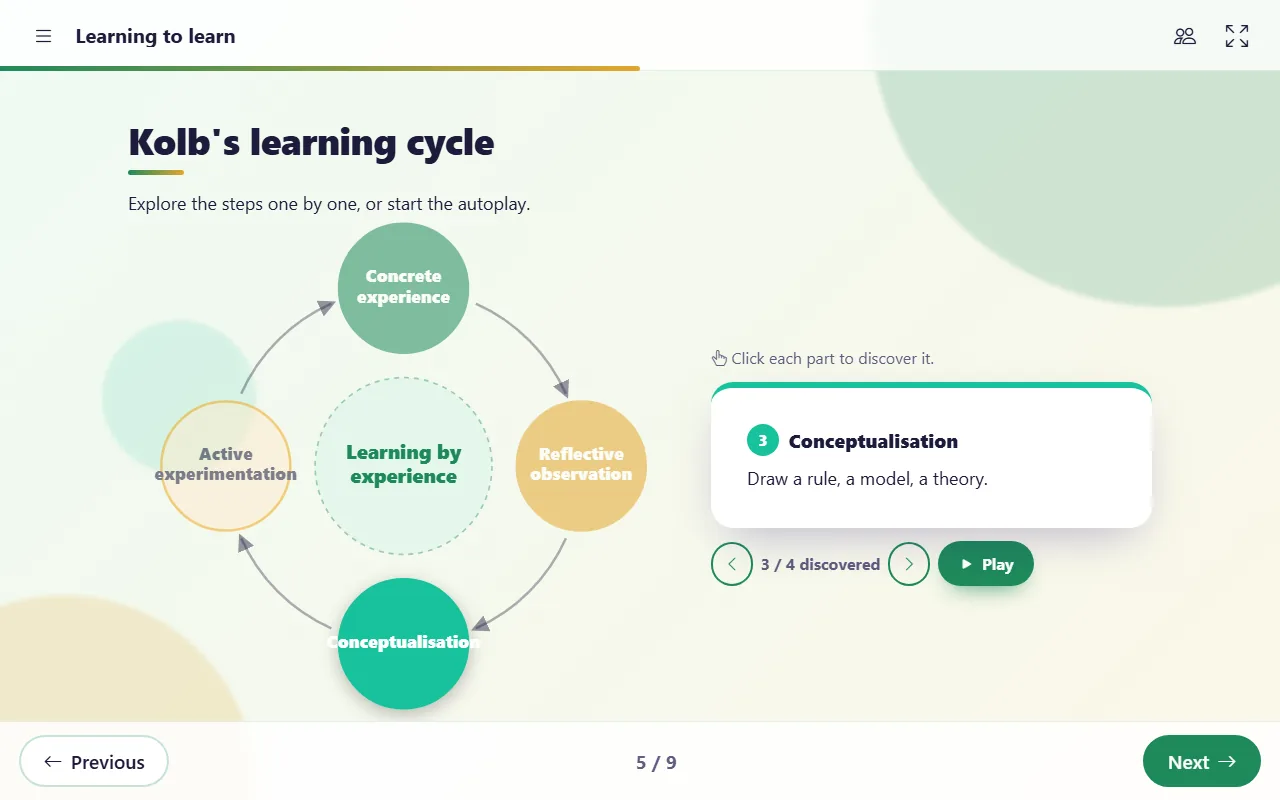
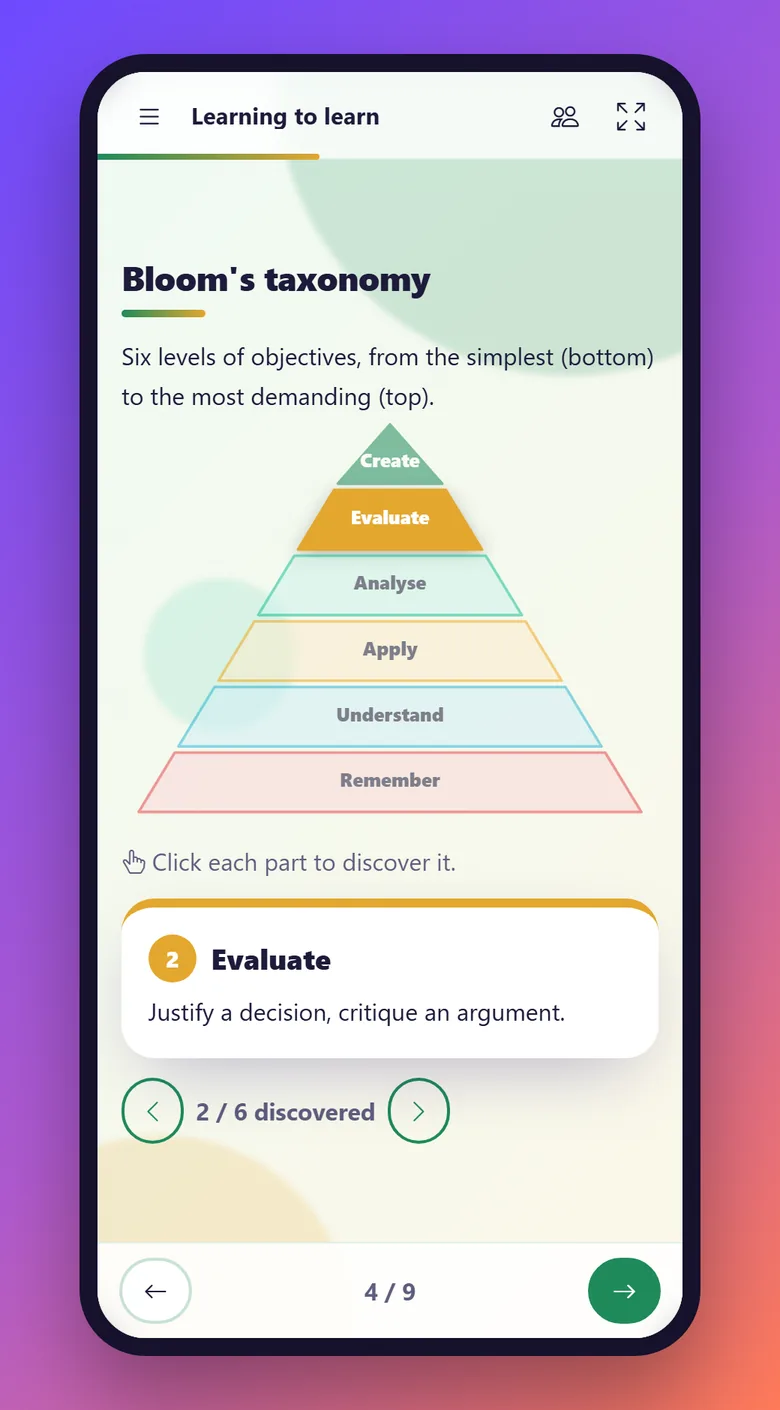
Schémas interactifs bêta
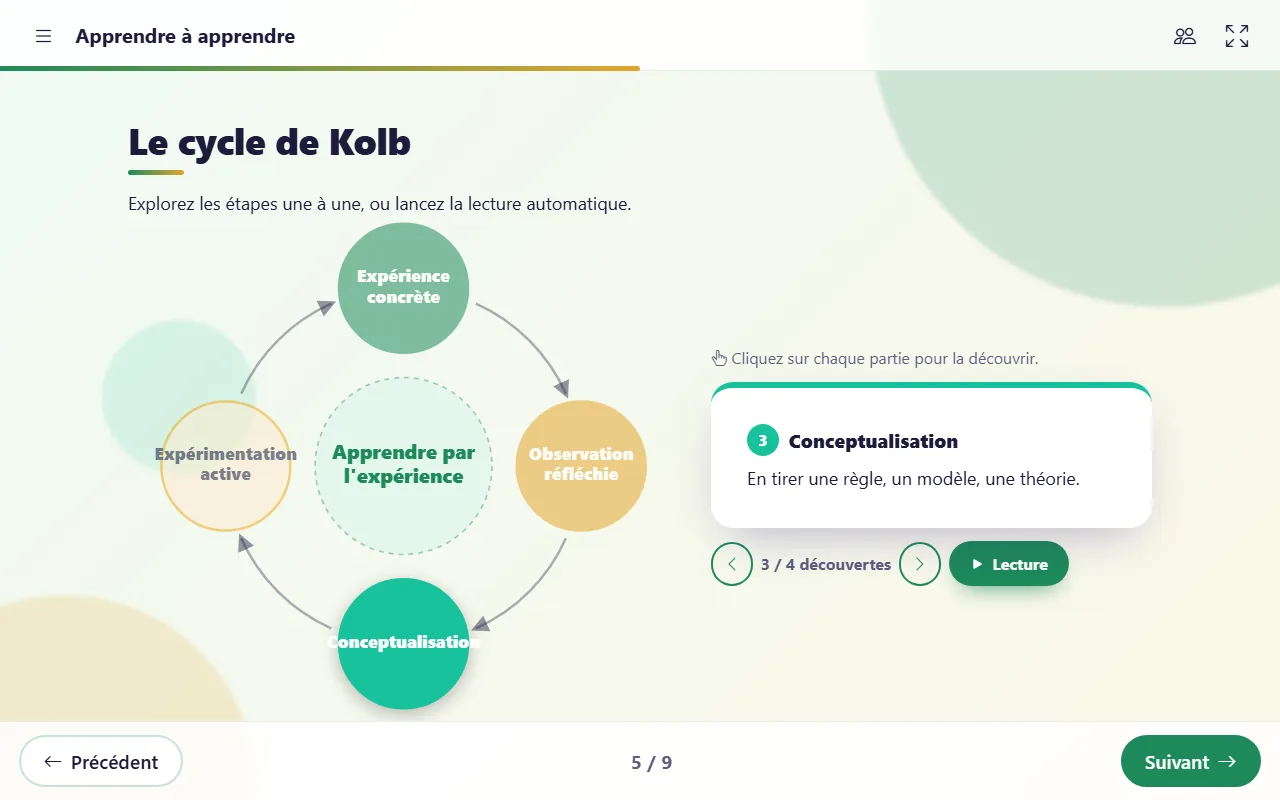
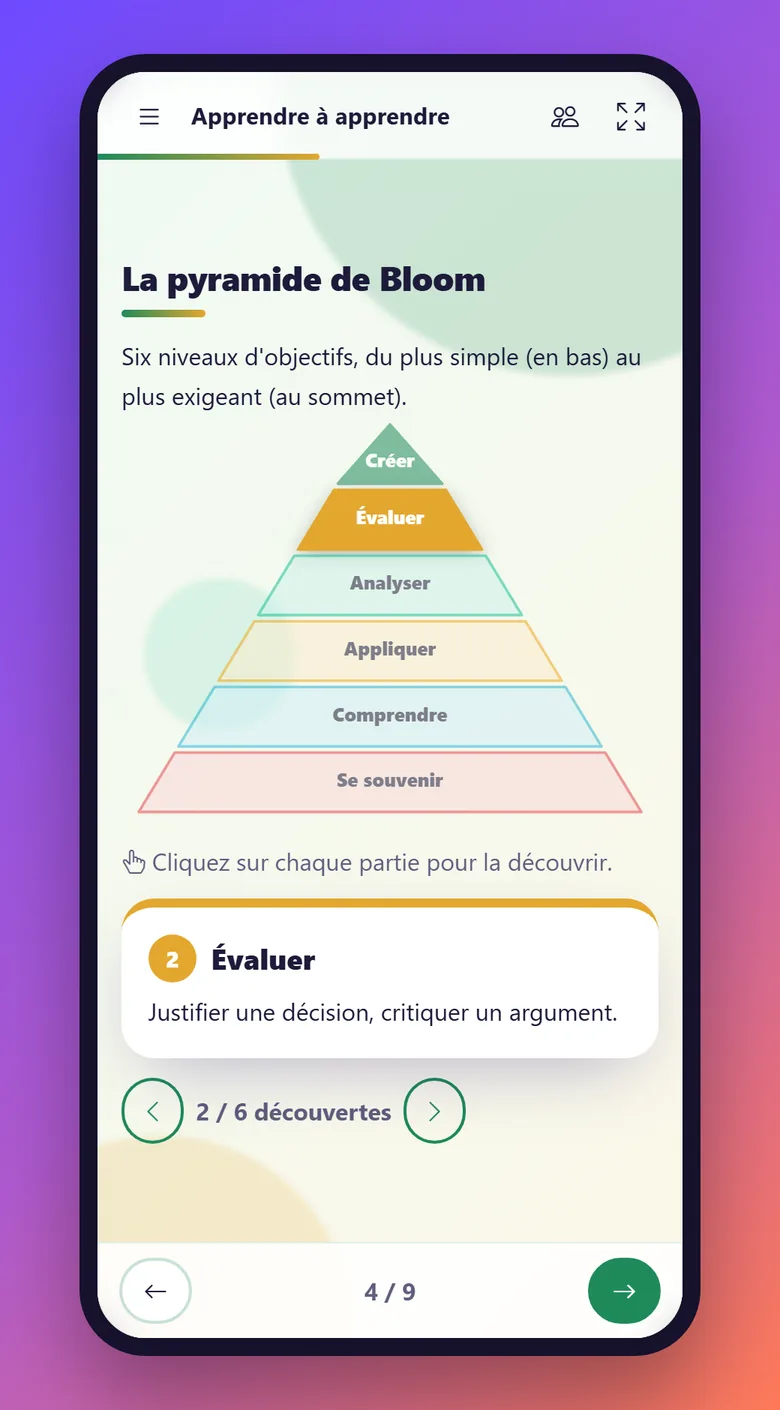
Sept formats qui transforment une liste en schéma à explorer : chaque partie se découvre au clic, et une synthèse n'apparaît qu'une fois tout exploré.
Pour les voir en action : dans le Studio, Fichier → Test : schémas interactifs (FR) (ou EN).
Une syntaxe commune
<!-- slide: format-puzzle -->
### Les 4 piliers de l'apprentissage
Une phrase d'introduction (facultative).

- **Attention** :: Le cerveau ne retient que ce qu'il a sélectionné.
- **Engagement actif** :: Chercher, prédire, essayer.
- **Retour d'information** :: Savoir où l'on s'est trompé.
- **Consolidation** :: Dormir, répéter, espacer.

> Synthèse : révélée quand toutes les parties ont été explorées.
- Chaque élément de liste
- **Partie** :: explicationdevient une partie du schéma. Le libellé doit rester court (1 à 3 mots). - La citation
>(facultative) est la synthèse : elle ne se dévoile qu'après l'exploration complète. - L'apprenant clique sur chaque partie (ou utilise les flèches) ; un compteur indique sa progression.
Les 7 formats
format-puzzle — Puzzle à assembler (2 à 6 pièces)
Les pièces sont dispersées ; l'apprenant les remet en place une à une. Idéal pour « les composantes d'un tout ».
format-pyramid — Pyramide (2 à 7 niveaux)
Le 1er élément est au sommet. Pour une hiérarchie, des niveaux de priorité ou d'exigence.
format-funnel — Entonnoir (2 à 7 étapes)
Du plus large au plus étroit : filtrage, sélection, conversion.
format-cycle — Cycle (2 à 8 étapes)
Des étapes qui reviennent en boucle, avec un bouton Lecture. Libellé central facultatif : <!-- center: … -->.
format-process — Processus (2 à 7 étapes)
Chevrons horizontaux (verticaux sur mobile), avec un bouton Lecture. Pour une méthode ou une procédure.
format-matrix — Matrice 2 × 2 (4 éléments)
Ordre : haut-gauche, haut-droite, bas-gauche, bas-droite. Axes : <!-- axis-x: … --> et <!-- axis-y: … -->.
format-hub — Concept central (2 à 8 éléments)
Un concept au centre (le titre, ou <!-- center: … -->) et ses composantes autour.
Conseils pédagogiques
- Choisissez la forme selon la structure de l'idée : un tout (puzzle, hub), un ordre (processus), une boucle (cycle), une hiérarchie (pyramide), une sélection (entonnoir), deux critères croisés (matrice).
- Faites prédire avant de cliquer : « Avant d'ouvrir les pièces, à votre avis, quels sont les piliers ? ».
- Réservez la synthèse à l'idée à retenir : c'est la récompense de l'exploration.
- Un ou deux schémas par module suffisent : alternez avec quiz, cartes et dialogues.